
Retouch portraits live on your own machine, then apply the look to the whole shoot.
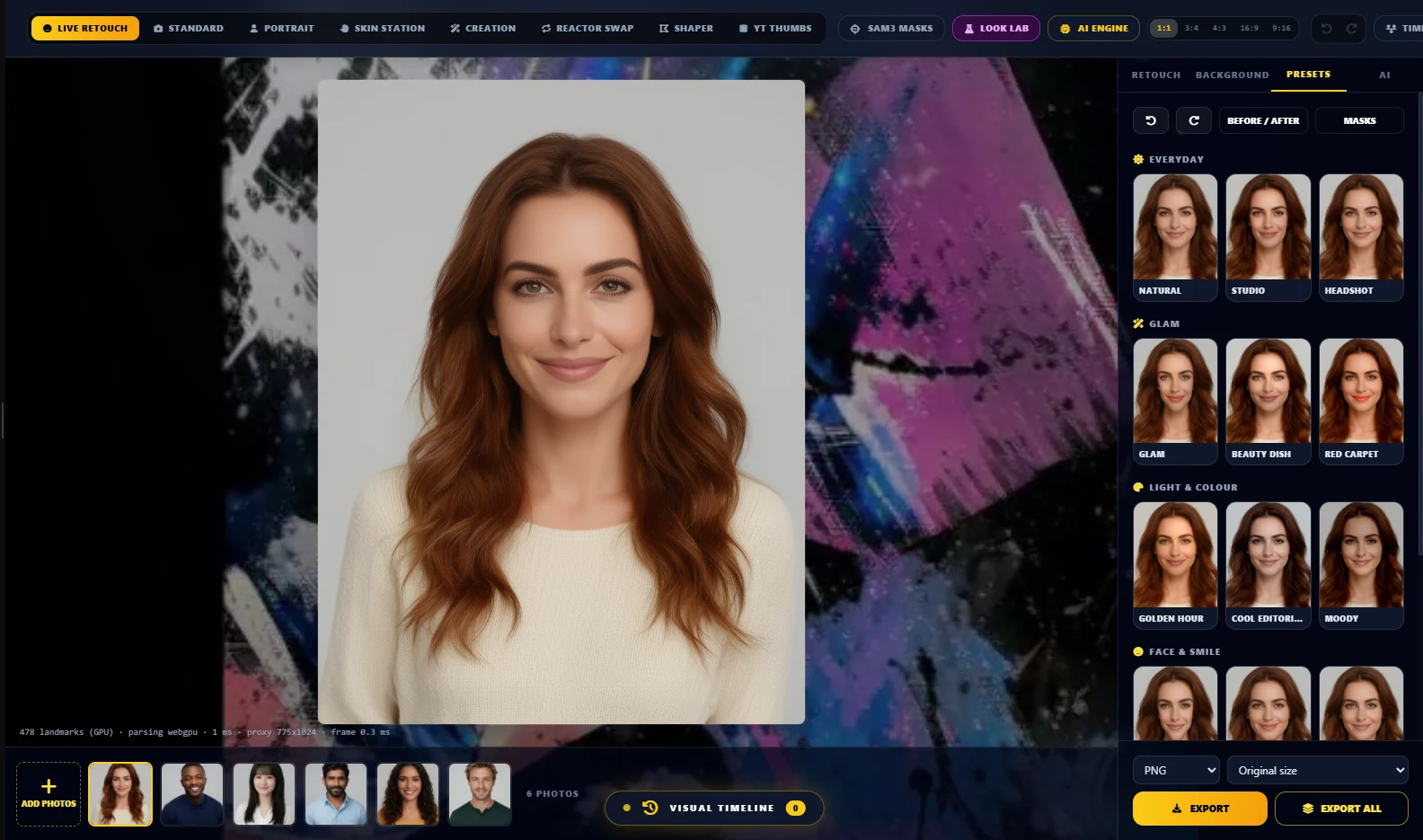
A portrait retouching studio that runs locally: no account, no cloud, no API key. Sliders move a WebGL2 renderer, so a preview re-renders in about a millisecond. Pick a look from the category preset gallery, fix the background, edit one photo and apply it to the whole folder. Face shaping follows the head pose, so a turned face is reshaped on the right side of the face, not flattened.
- Live retouch — skin smoothing with texture kept, blemish removal, even tone, eyes, lips, teeth, dark circles, face, jaw, chin, nose and smile shaping, hair colour, relight
- Preset gallery — twelve looks in four categories (Everyday, Glam, Light & colour, Face & smile), each previewed on your own photo
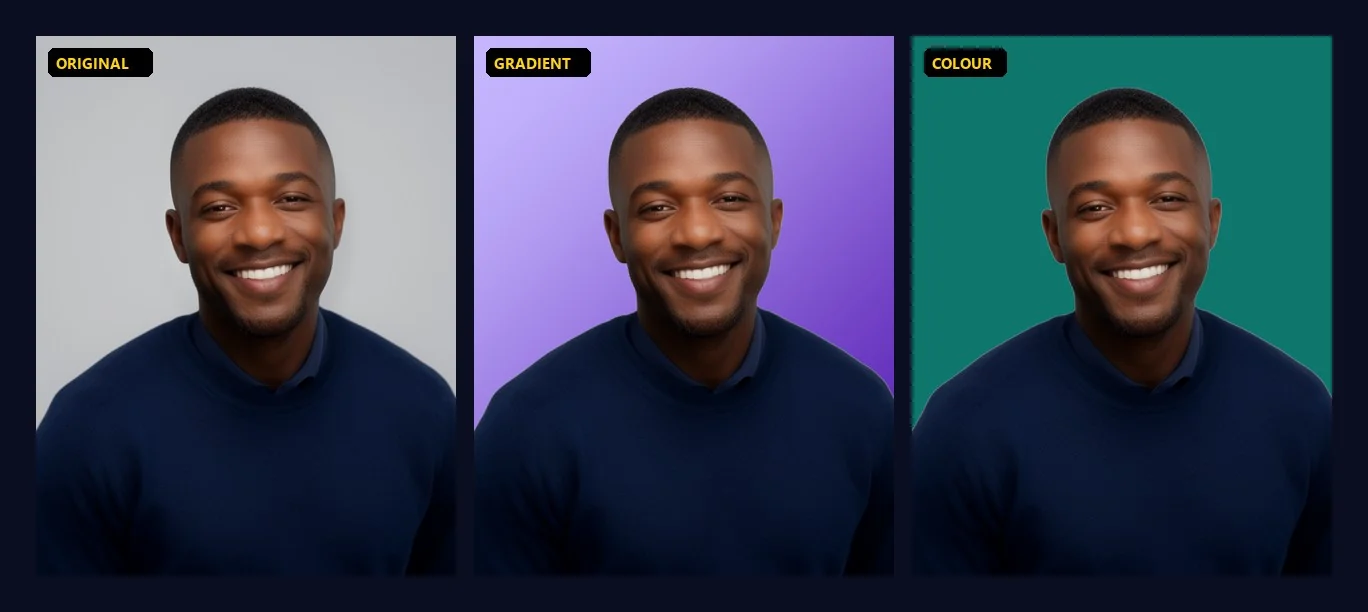
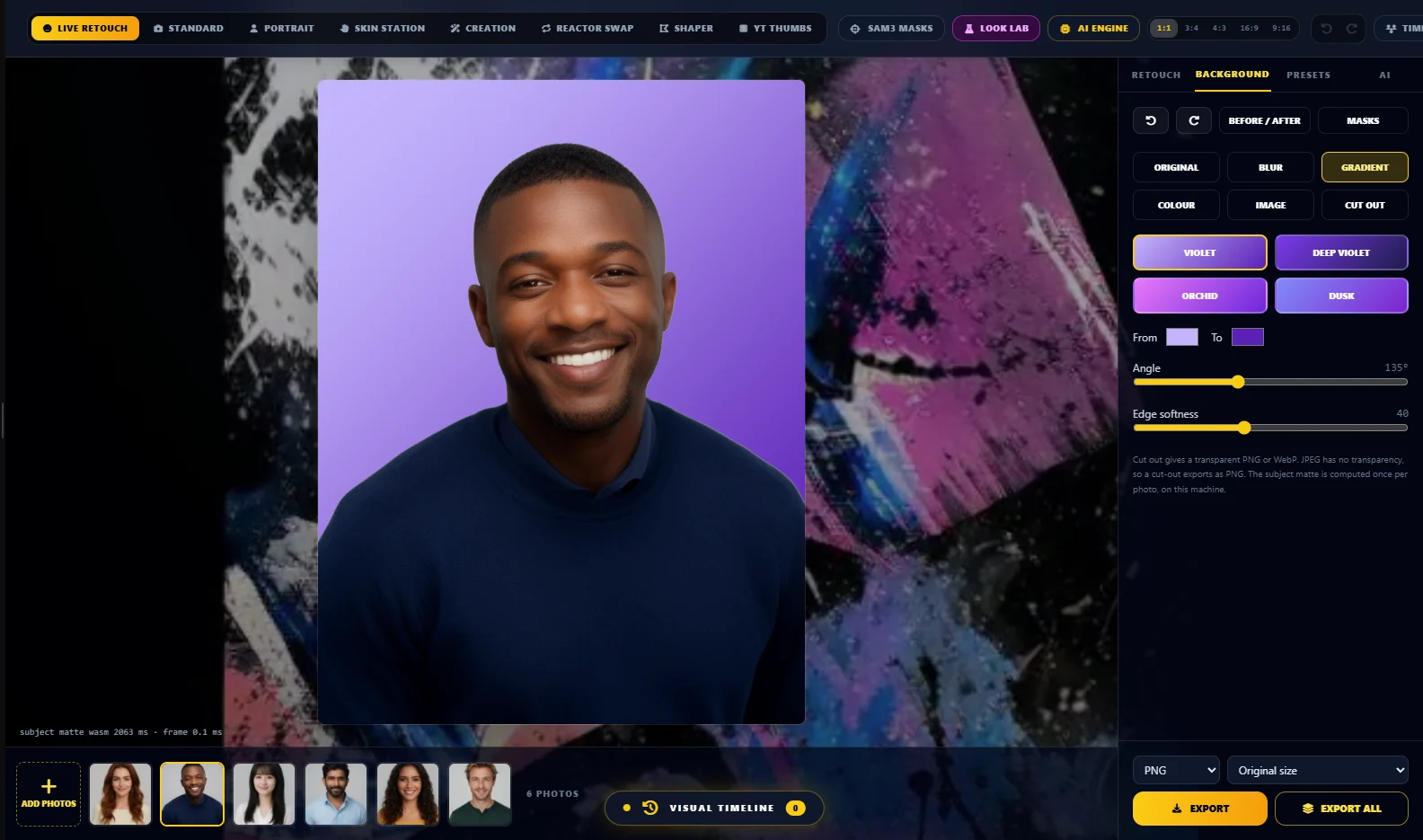
- Background tools — blur, violet or custom gradient, solid colour, your own image, or a transparent cut-out, matted locally by MODNet
- Batch — add a whole shoot, edit one photo, apply the look to all, export the folder
- Undo, redo, before and after, and export size, format and quality
- Optional heavy jobs through your own ComfyUI — upscale, generative relight, polish and face swap
Runs locally with no account or API key; the default build contains no Google SDK. The Gemini build is LoumiNova AI Gemini.
More apps
Codecaine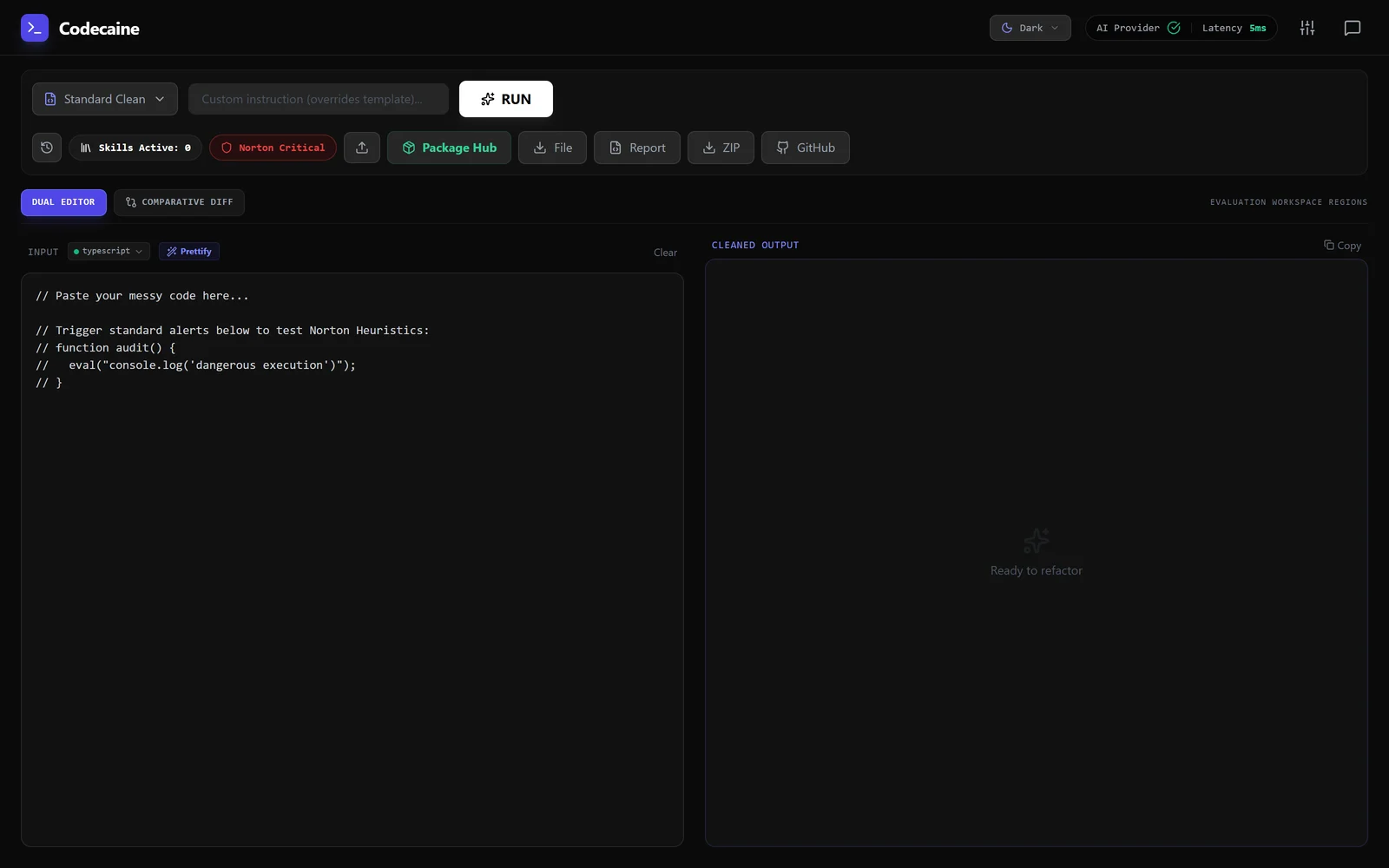 A code reviewer that argues with itself before it touches your code.CCO StudioNo screenshot yetA creative department in one window.PortrAIt StudioNo screenshot yetA neural darkroom: re-render camera angles in 3D, then develop the print.ComfyRAM Manager
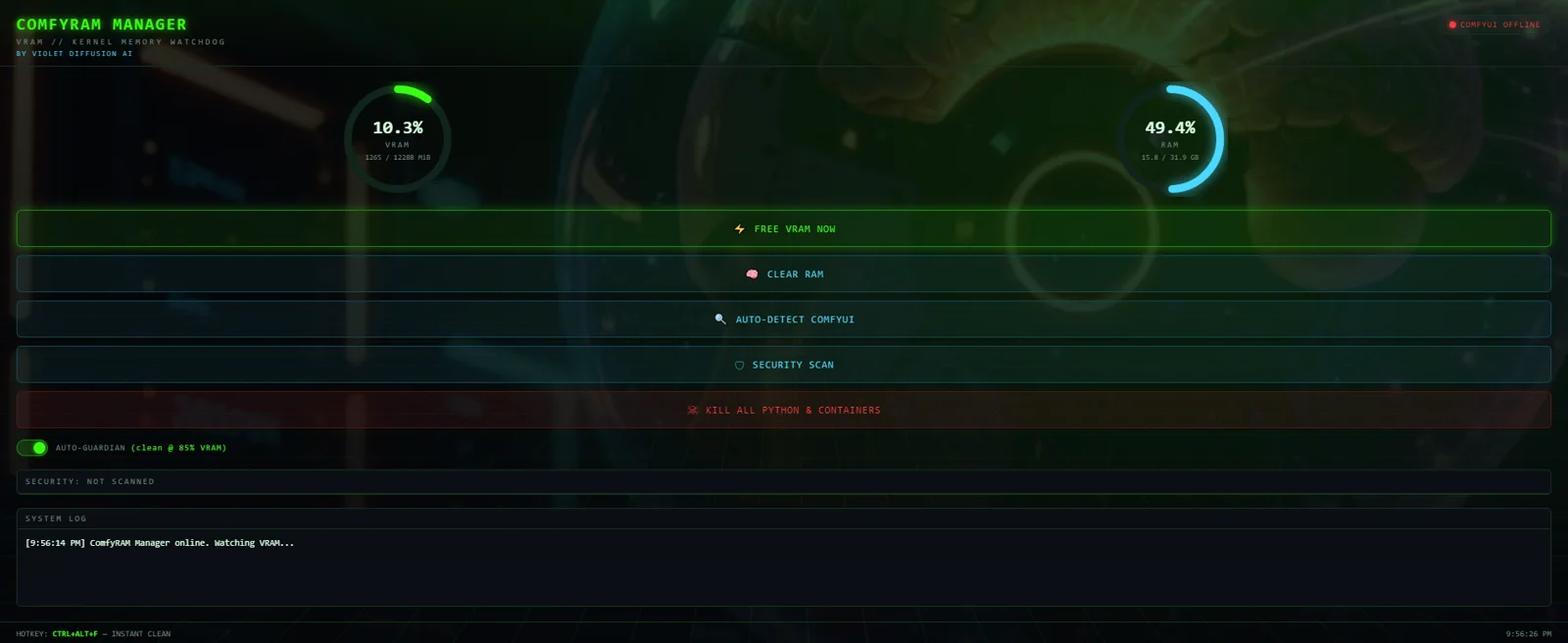 Frees the memory ComfyUI is still holding, before the next run fails.bashme
 Holds what an agent wants to run until a person agrees.Violet PairNo screenshot yetSend a generation job to whichever GPU in the house is free.Solar Violet Nodes
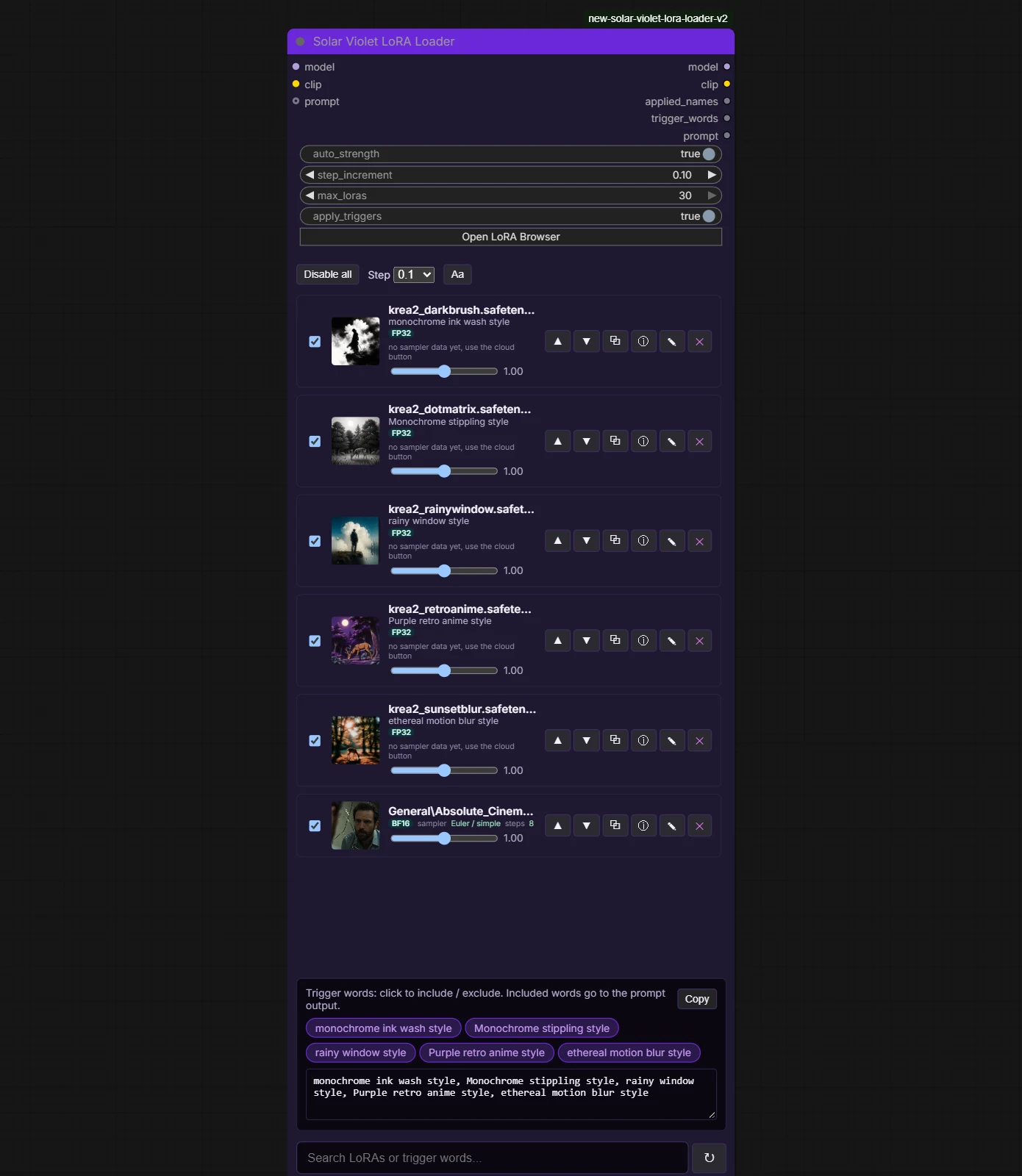 Typed loaders, a LoRA loader that scrolls and grows with your stack, and model browsers that find duplicates in every ComfyUI folder.File SDM
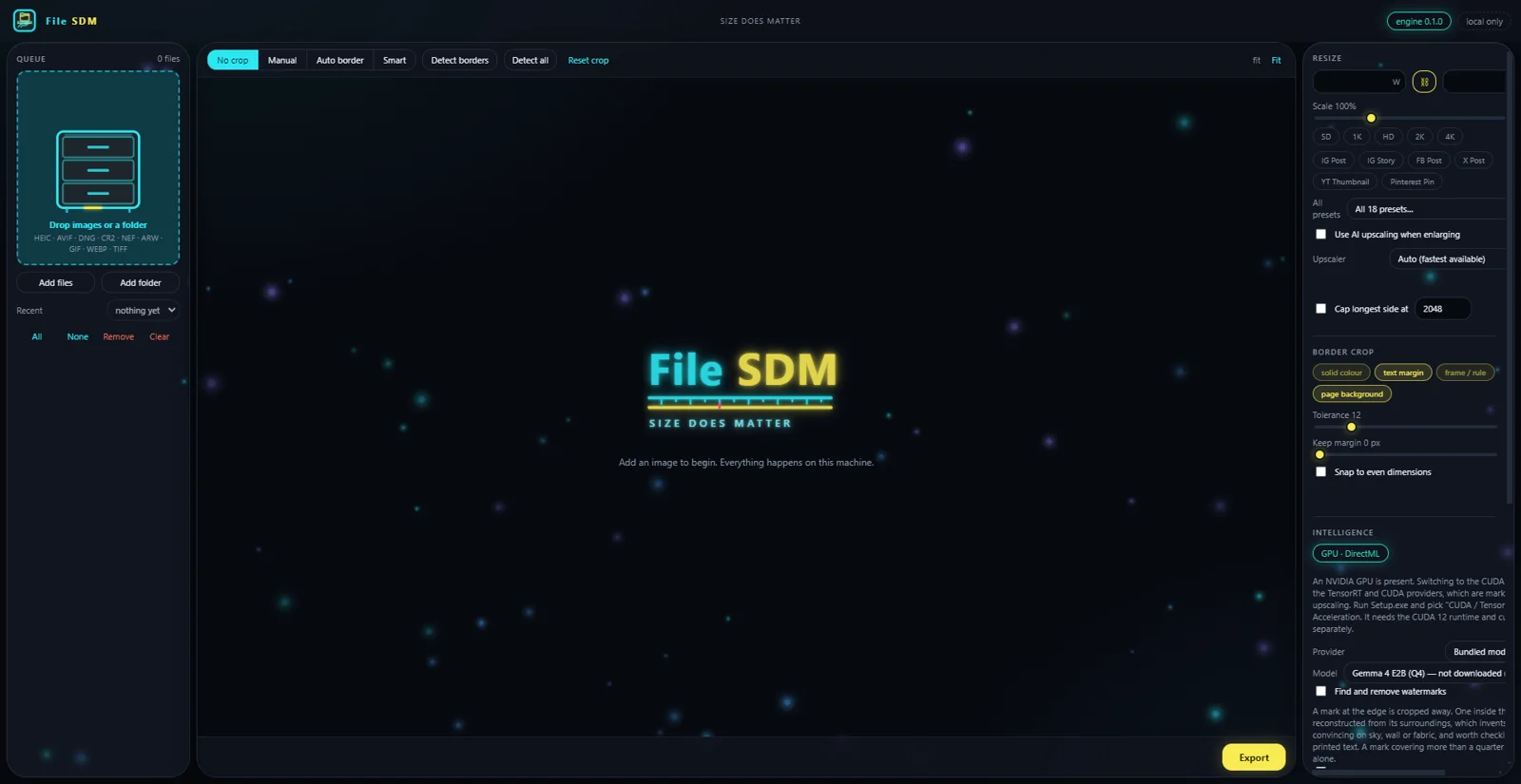 Size does matter. Resize, convert and crop a folder of images without any of them leaving the machine.ArtPix AI
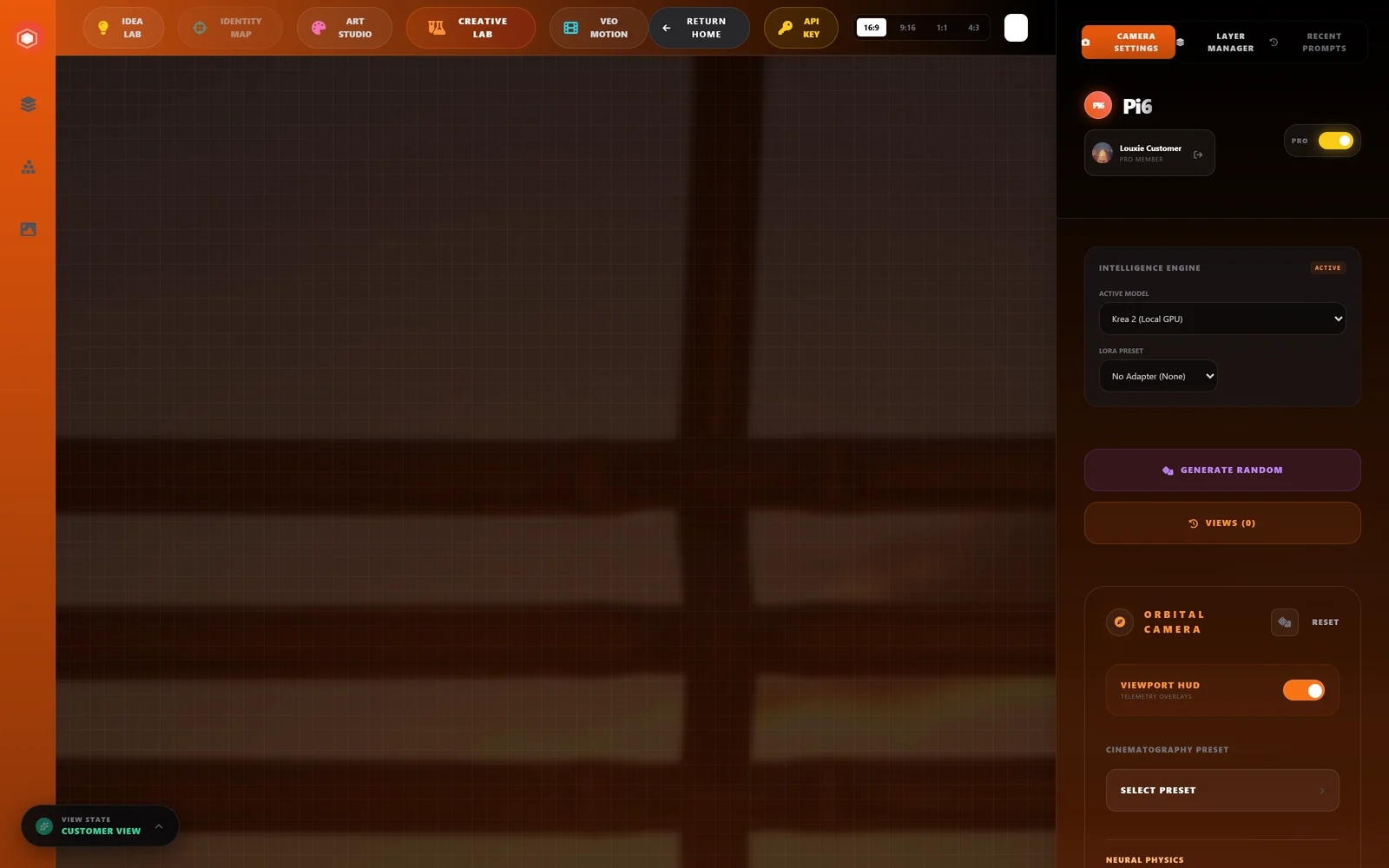 Angles, art styles, depth-map canvas, and an idea lab — one workspace, any model you have.GenFix
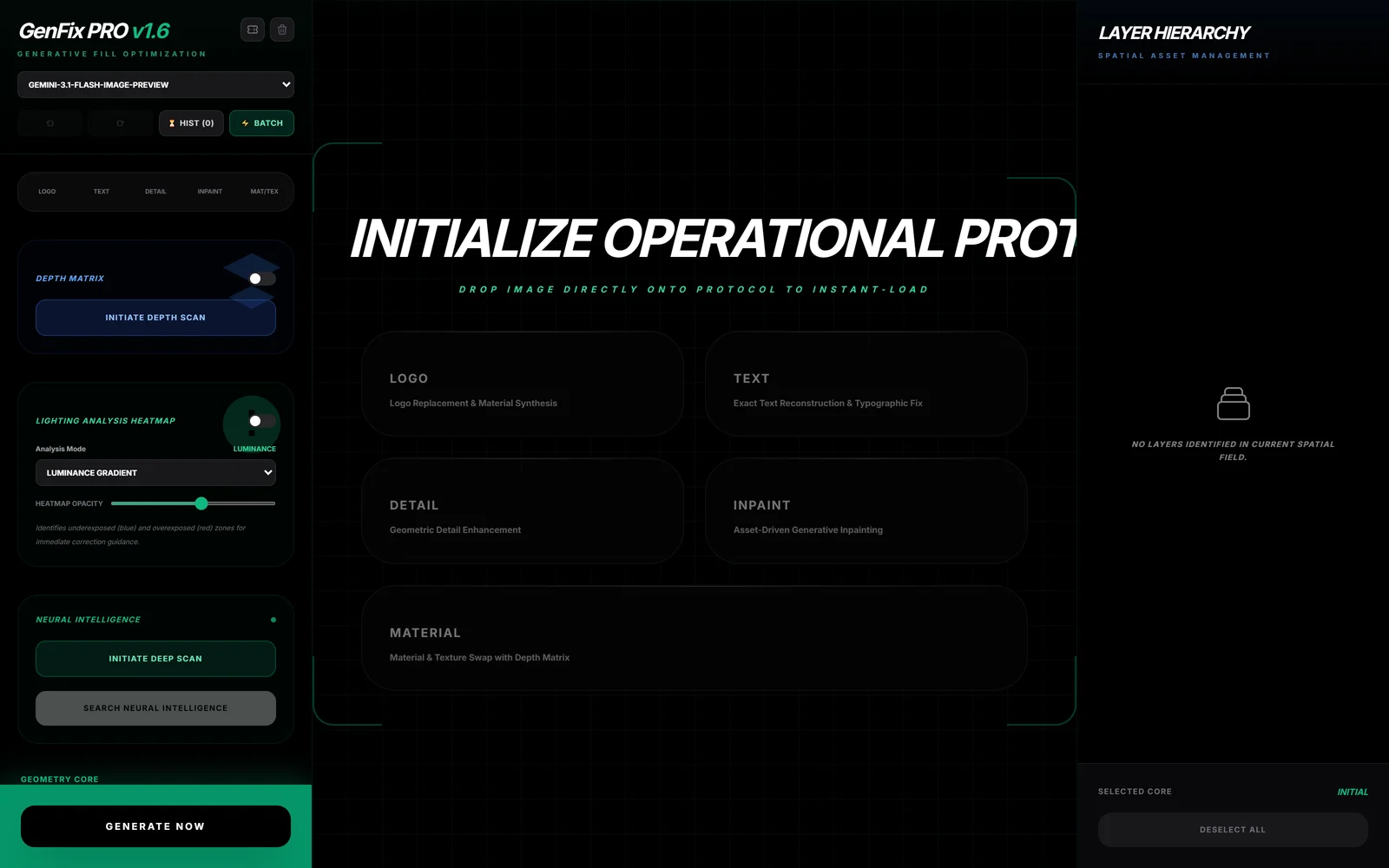 High-fidelity text reconstruction, logo replacement and pattern synthesis.
A code reviewer that argues with itself before it touches your code.CCO StudioNo screenshot yetA creative department in one window.PortrAIt StudioNo screenshot yetA neural darkroom: re-render camera angles in 3D, then develop the print.ComfyRAM ManagerFrees the memory ComfyUI is still holding, before the next run fails.bashmeHolds what an agent wants to run until a person agrees.Violet PairNo screenshot yetSend a generation job to whichever GPU in the house is free.Solar Violet NodesTyped loaders, a LoRA loader that scrolls and grows with your stack, and model browsers that find duplicates in every ComfyUI folder.File SDMSize does matter. Resize, convert and crop a folder of images without any of them leaving the machine.ArtPix AIAngles, art styles, depth-map canvas, and an idea lab — one workspace, any model you have.GenFixHigh-fidelity text reconstruction, logo replacement and pattern synthesis.